Bookmarks and Notes
If you want to bookmark a page in a resource, click on the bookmark button located at the top of the ebook or audiobook.

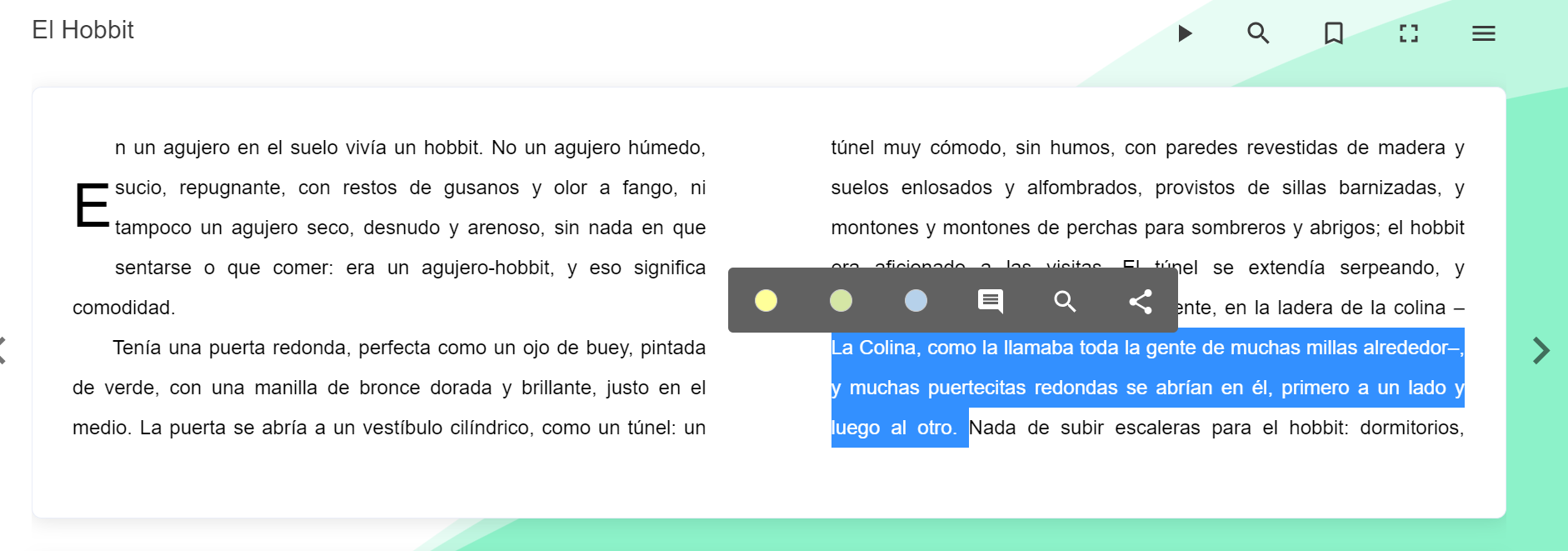
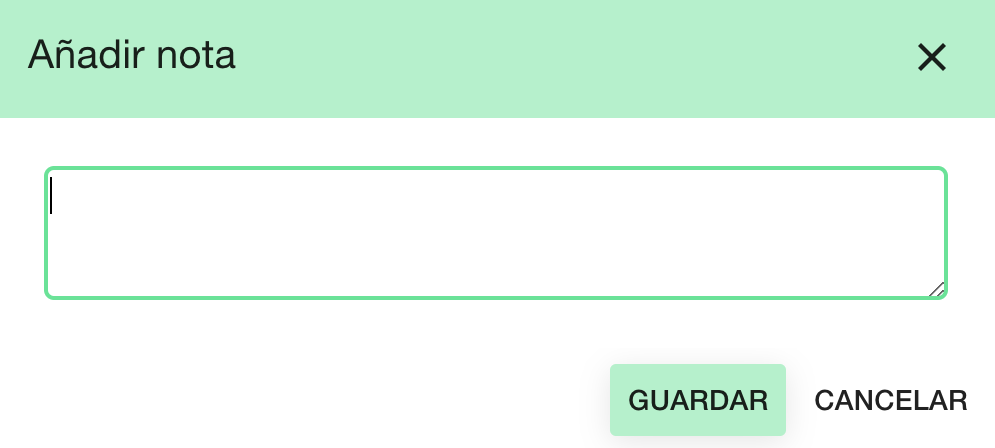
To add notes in an ebook, select with your cursor the part of the text you want to link to your note and click on the “Add note”  icon.
icon.
Important: The notes you add are visible only to you; other users will not be able to see them.
To retrieve all your bookmarks and notes, you can go to the resource menu in the player and enter "Bookmarks and notes." Here the user can filter by Bookmarks or by notes, and by clicking on one of them, they will be redirected to the corresponding page.
https://help.odilo.io/k12/interaccion-con-contenidos/personaliza-el-contenido-a-tus-preferencias/
Comments
0 comments
Article is closed for comments.