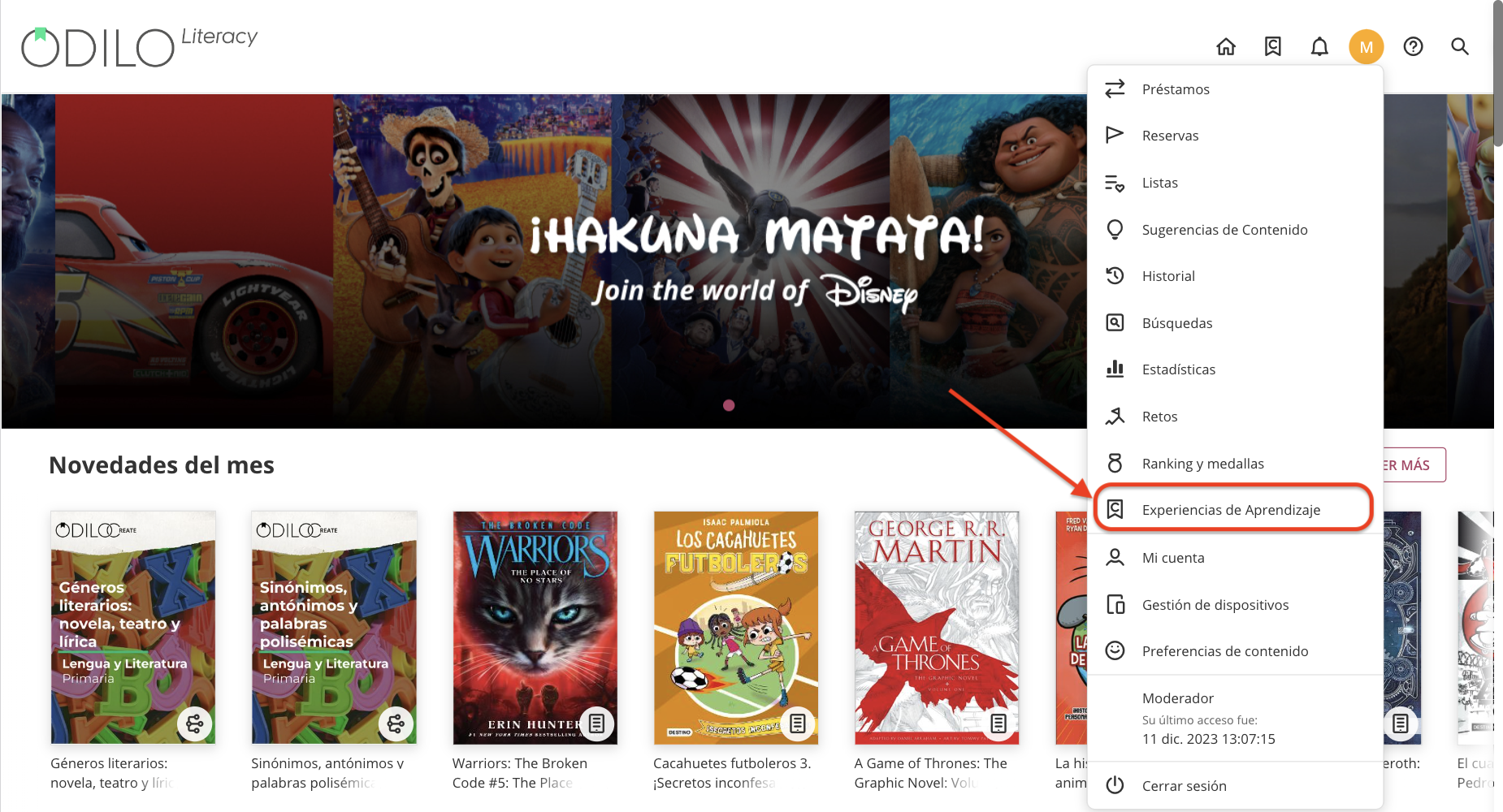
Track your progress and check your grades by clicking on “Learning Experiences” from your user area.
Click on “Grades.”
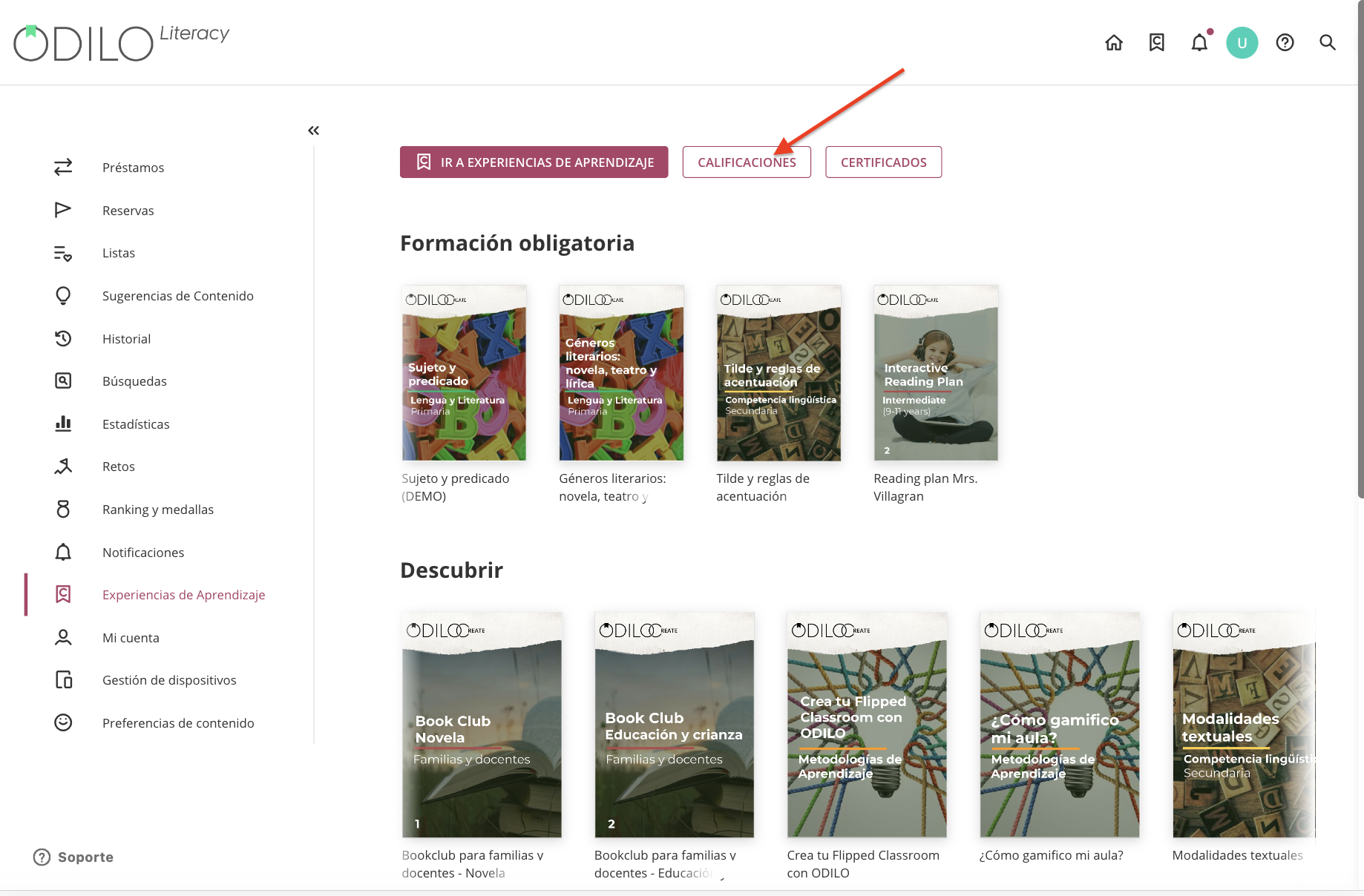
If the Learning Experience you participated in provides a completion certificate, you can review them in this section under the “Certificates” option (Only available for Standard Unit learning path Experiences).
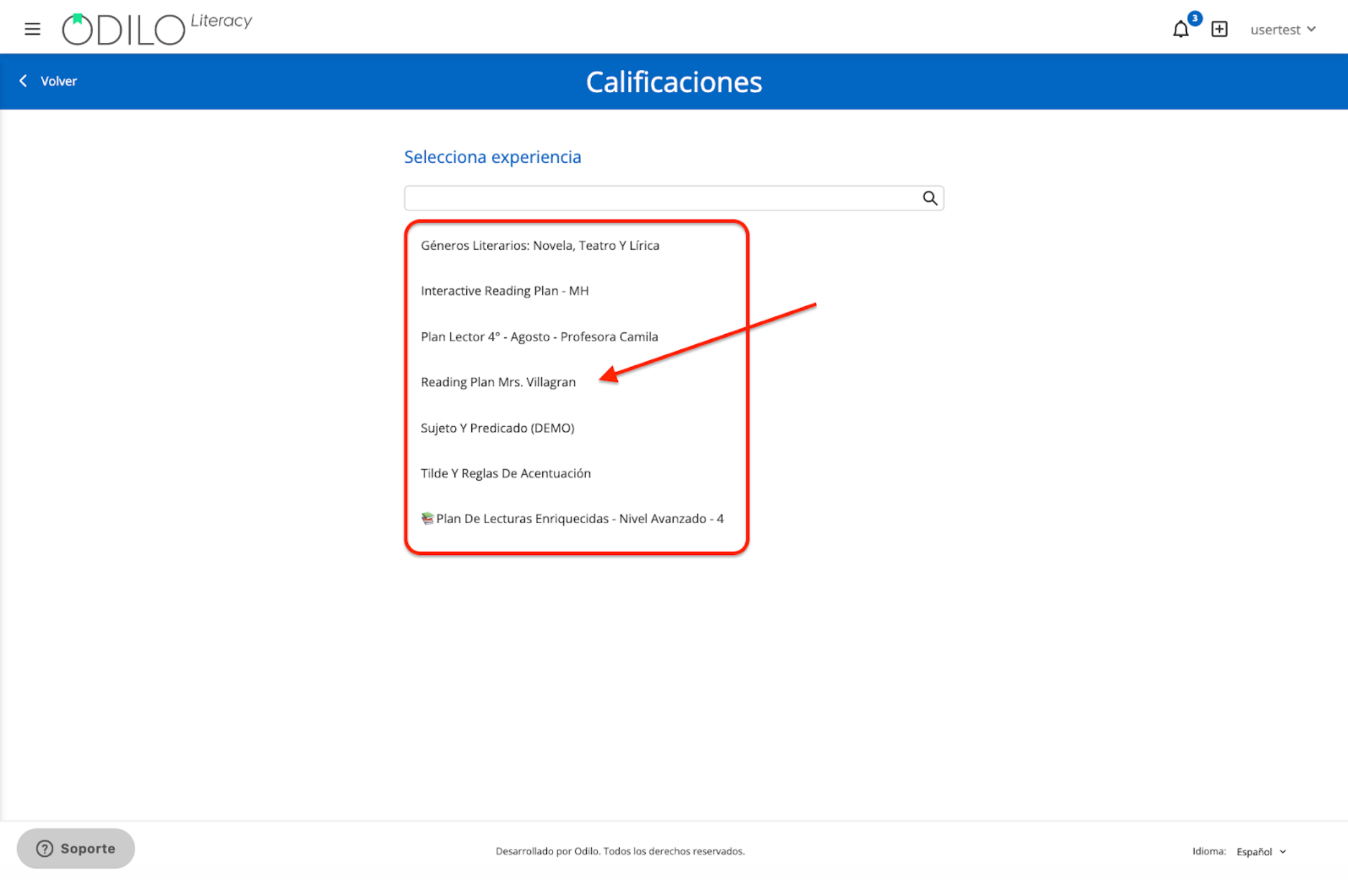
Select the Experience you want to check and click on it.
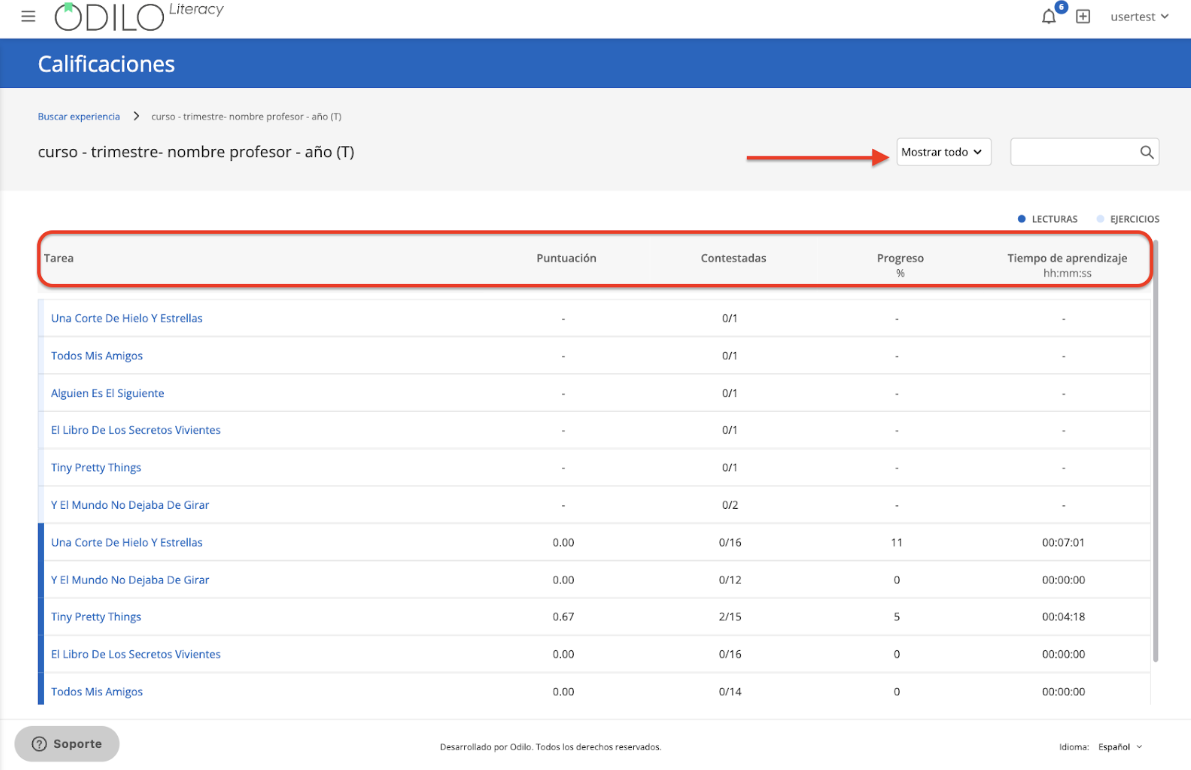
You will be able to see your total scores, activities, submitted and pending exercises, total reading time, and progress.
If you have the moderator role for this Experience, in this section you will see the Grades of all participating students.
NOTE: Please note that the activation of this feature depends on the service contracted by your institution
https://help.odilo.io/k12/experiencias-de-aprendizaje/visualizar-progreso-y-calificaciones/
Comments
0 comments
Article is closed for comments.