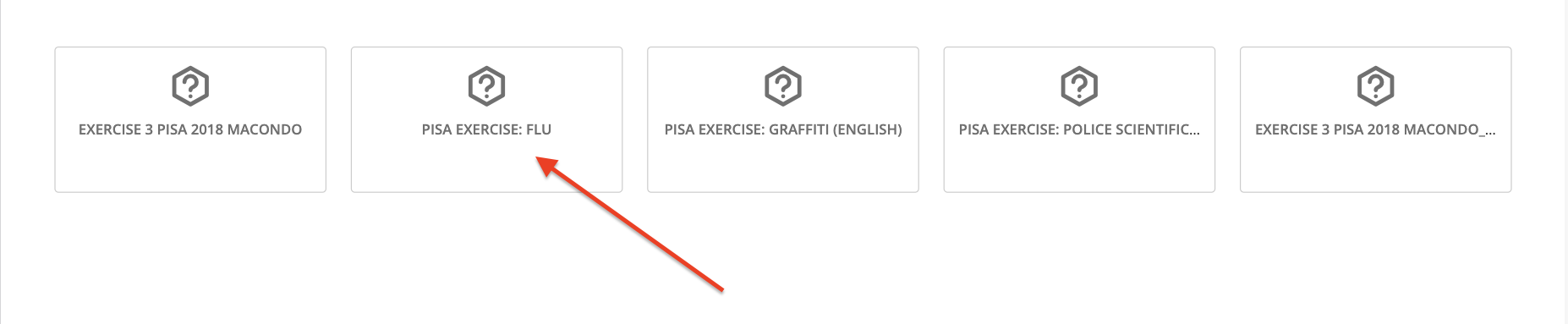
To complete exercises, go to the “Exercises” tab, then click on them and answer.
Important: Make sure to carefully read the exercise information before accessing and answering.
You must save your answers at the bottom.
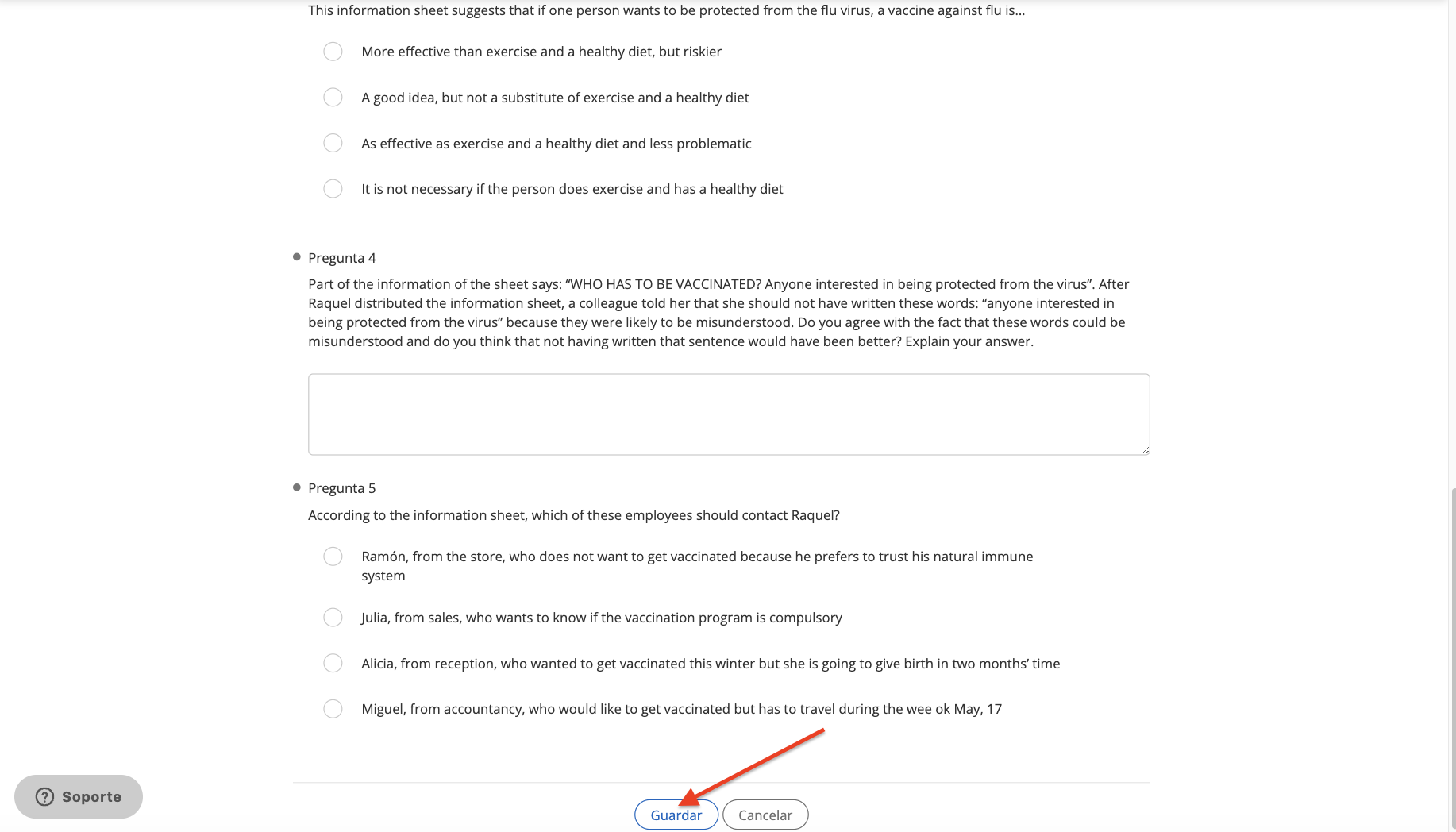
If your exercise allows only 1 attempt, it will be marked as completed immediately and your answer will be submitted.

If the exercise allows more than 1 attempt, you will see this at the beginning.

Once you have submitted your answers, you can review the score at the top. Click “Try Again” to clear your answers and answer again. Click “Submit” to turn in your exercise (once submitted, you will not be able to make changes).

NOTE: Please note that the activation of this feature depends on the service contracted by your institution
https://help.odilo.io/k12/experiencias-de-aprendizaje/navegar-una-experiencia-de-aprendizaje/
Comments
0 comments
Article is closed for comments.