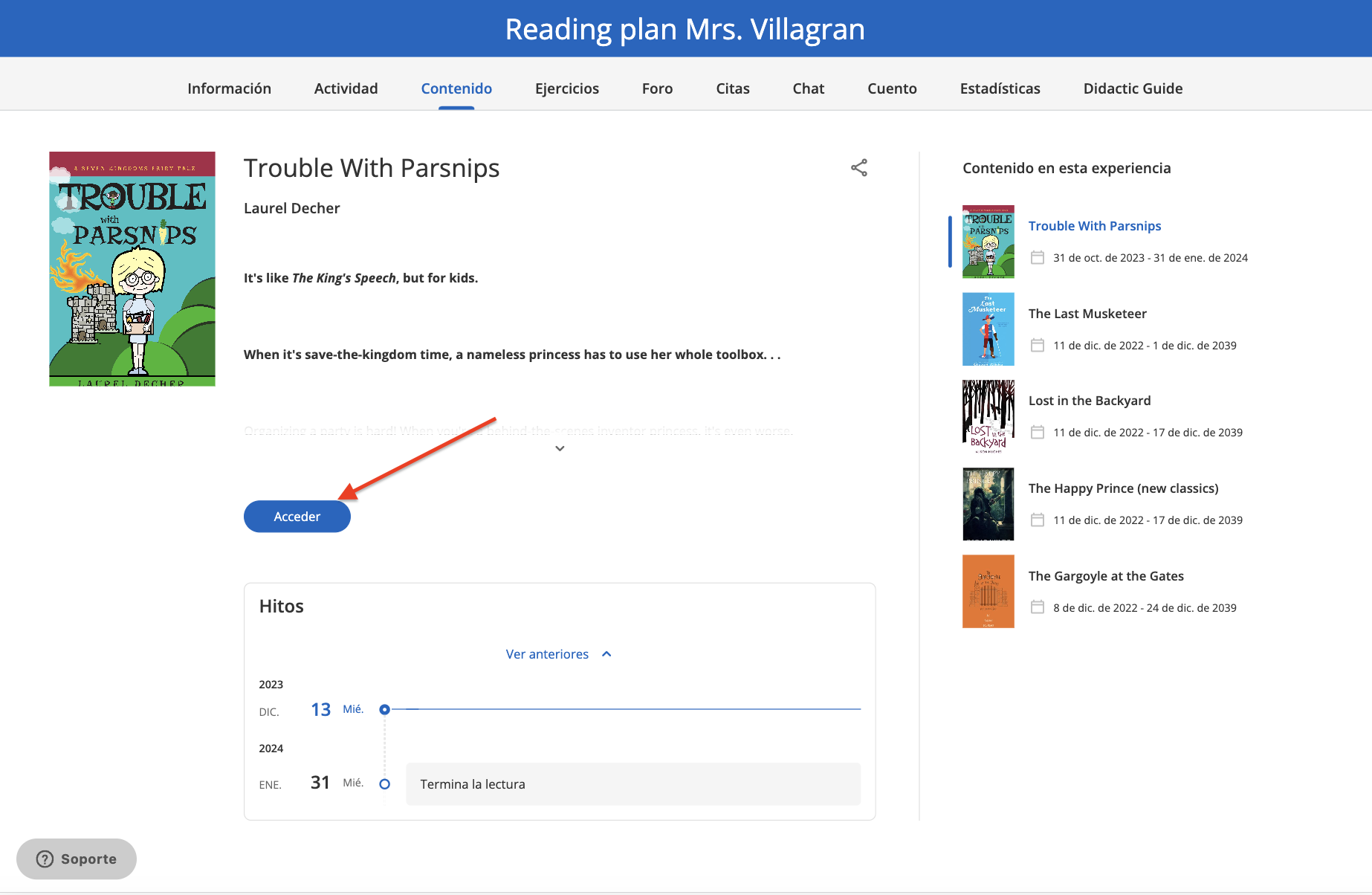
To access the content within an Experience, click the “Access” button to activate the borrowing days. Then, access it directly from the “Read” button.
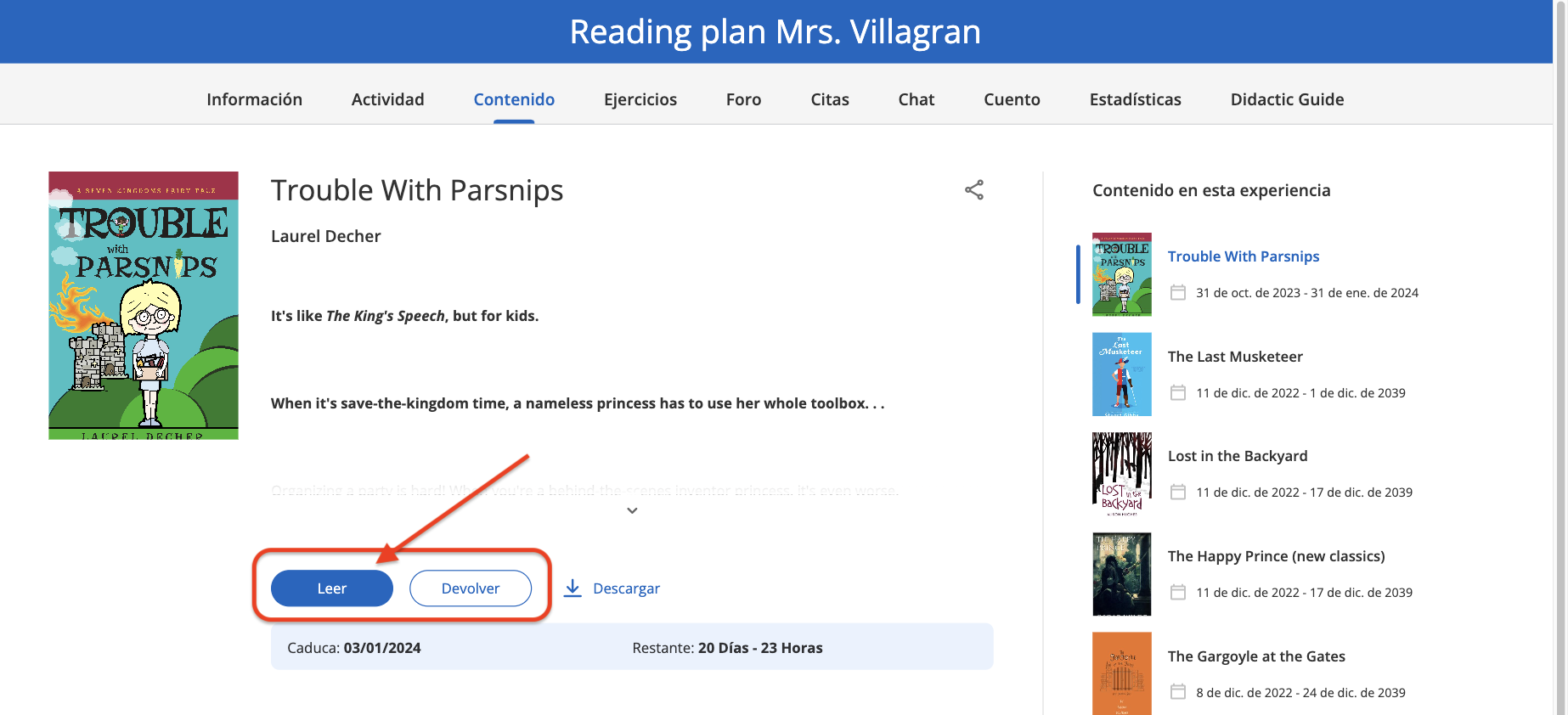
Remember: The content will open in a new window of your browser.
NOTE: Please note that the activation of this feature depends on the service contracted by your institution
https://help.odilo.io/k12/experiencias-de-aprendizaje/navegar-una-experiencia-de-aprendizaje/
Comments
0 comments
Article is closed for comments.