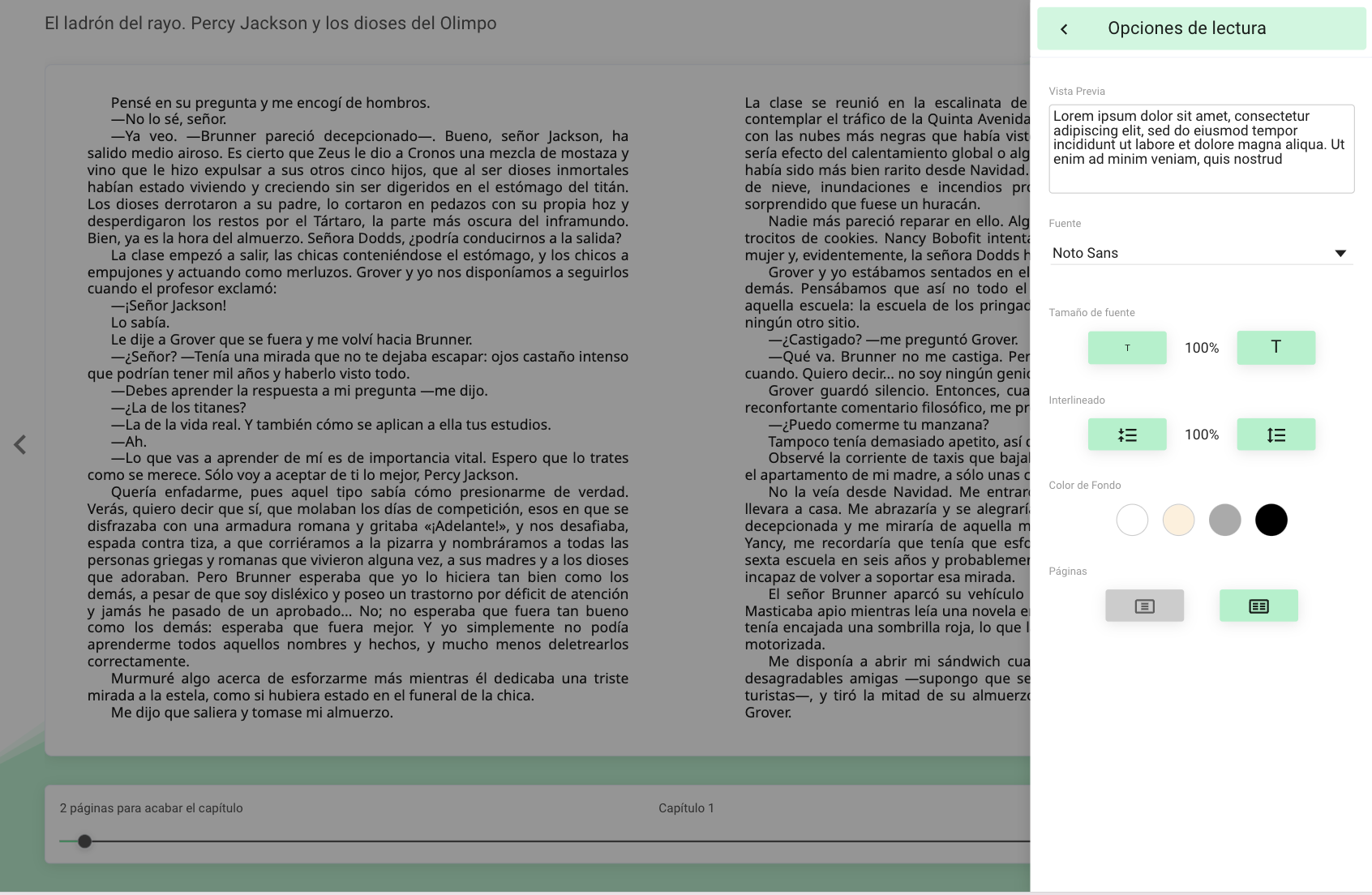
When you open an ebook, select “Reading Options” from the menu  located in the upper right corner of the screen, and from there you can modify:
- Font type
- Font size
- Line spacing
- Background color
- Number of pages on the screen
Important: All adaptations made to the resource will only affect your user account. The customization will not be reflected in other users or other resources you have active.
https://help.odilo.io/k12/interaccion-con-contenidos/personaliza-el-contenido-a-tus-preferencias/
Comments
0 comments
Article is closed for comments.