Within an ebook, you will find accessibility options that allow you to activate them according to your needs.
Automatic Narration (Text to speech)
On the ebook page, you can activate automatic narration (Text to speech), which converts text to voice, by pressing the play button  .
.
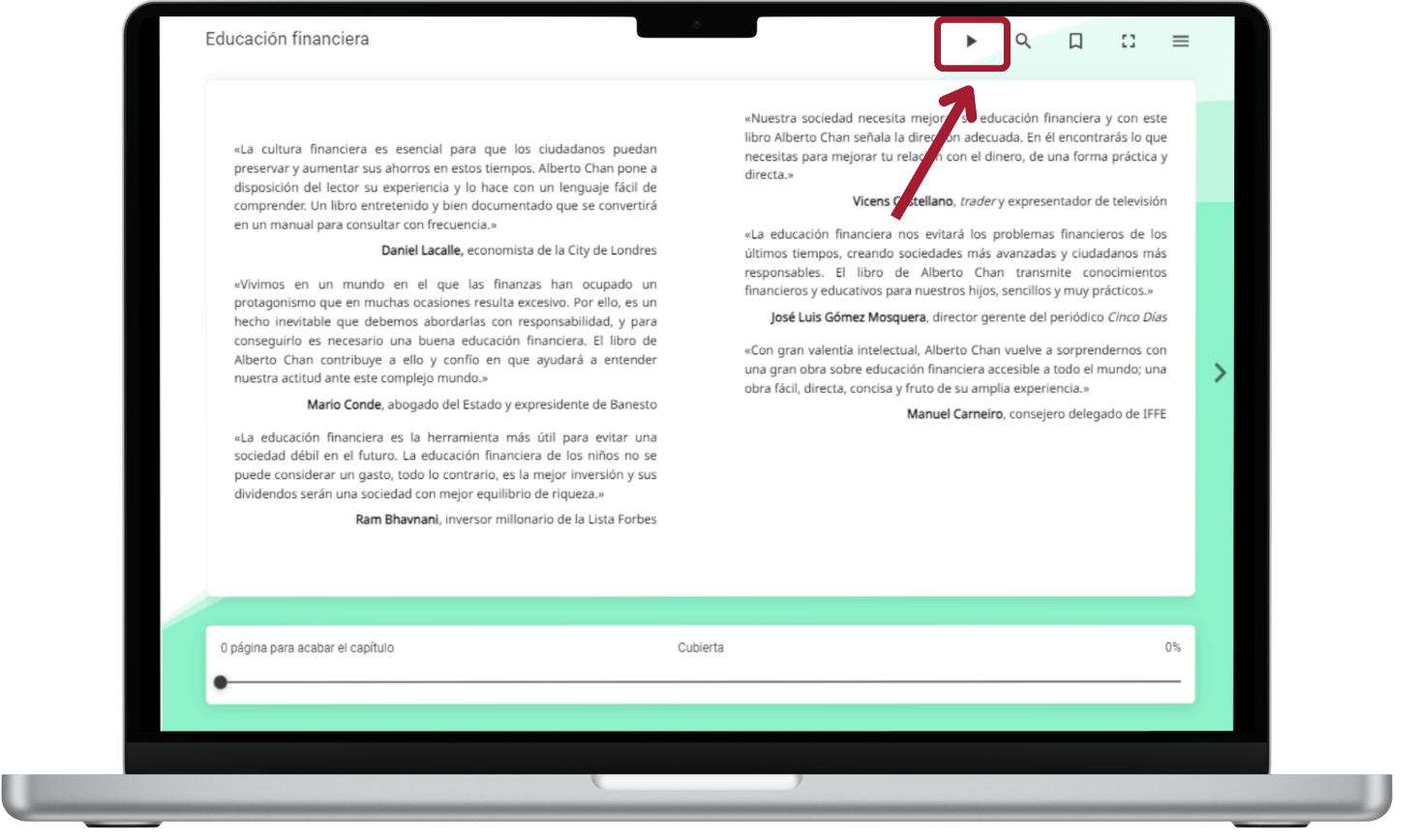
When playing a resource in this way, the text to be narrated will appear. At the bottom, we will see the different control commands, among which are the Pause/play buttons along with options to choose speed, rewind, and fast forward, as well as the ability to select the type of voice according to the language that is available.
https://help.odilo.io/he/interaccion-con-contenidos/modulo-de-accesibilidad/
Comments
0 comments
Article is closed for comments.