Within an ebook, you will find accessibility options that allow you to activate them according to your needs.
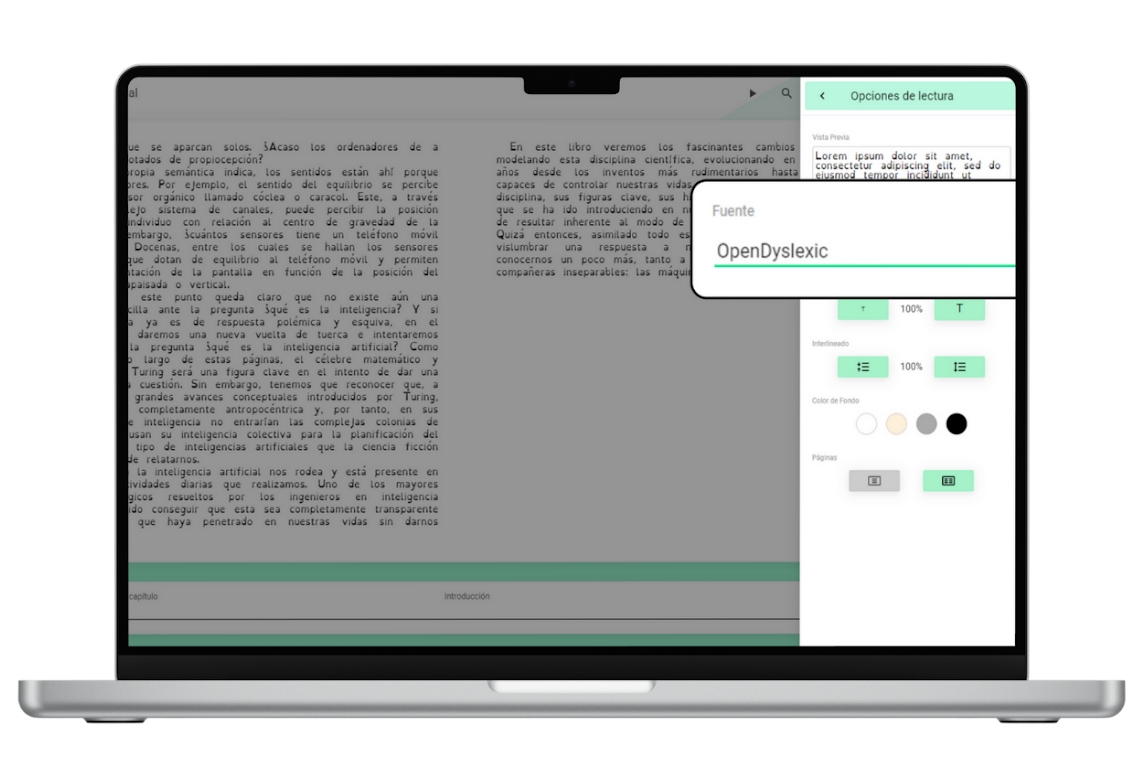
Typography adapted for dyslexia (OpenDyslexic)
In the text font options of an ebook, you will find one specifically designed for readers with dyslexia. To activate it, you need to go to the menu  located in the upper right corner of the screen, click on “Reading Options” and under “Font” select the last option named “OpenDyslexic”.
https://help.odilo.io/he/interaccion-con-contenidos/modulo-de-accesibilidad/
Comments
0 comments
Article is closed for comments.