Within an ebook, you will find accessibility options that allow you to activate them according to your needs.
Voice Control
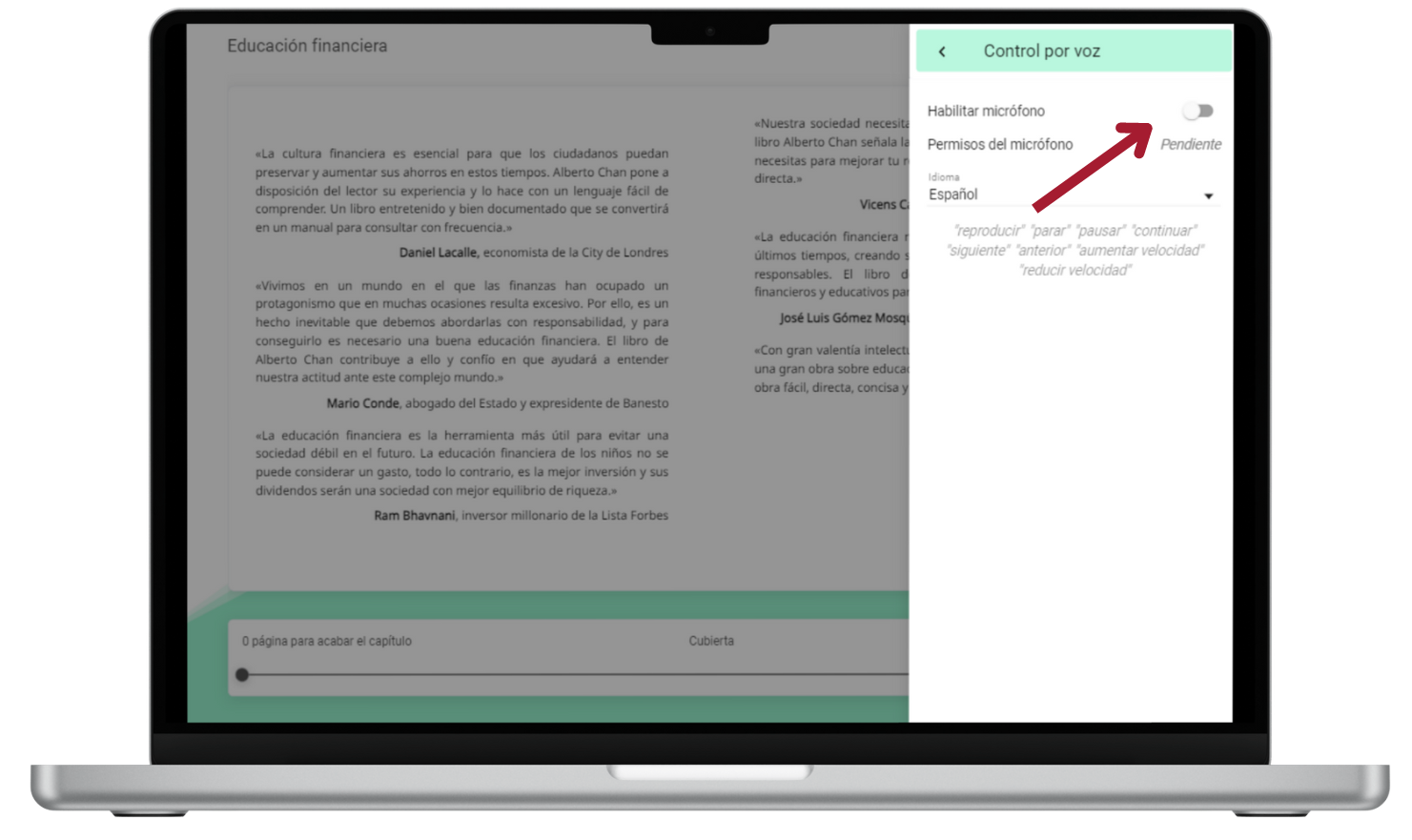
This tool facilitates interaction on the pages of an ebook through voice commands, such as “Play”, “Pause”, and “Continue”.
To activate it, click on the menu  located in the upper right corner of the reading, select the “Voice Control” option, and enable your microphone.
https://help.odilo.io/he/interaccion-con-contenidos/modulo-de-accesibilidad/
Comments
0 comments
Article is closed for comments.