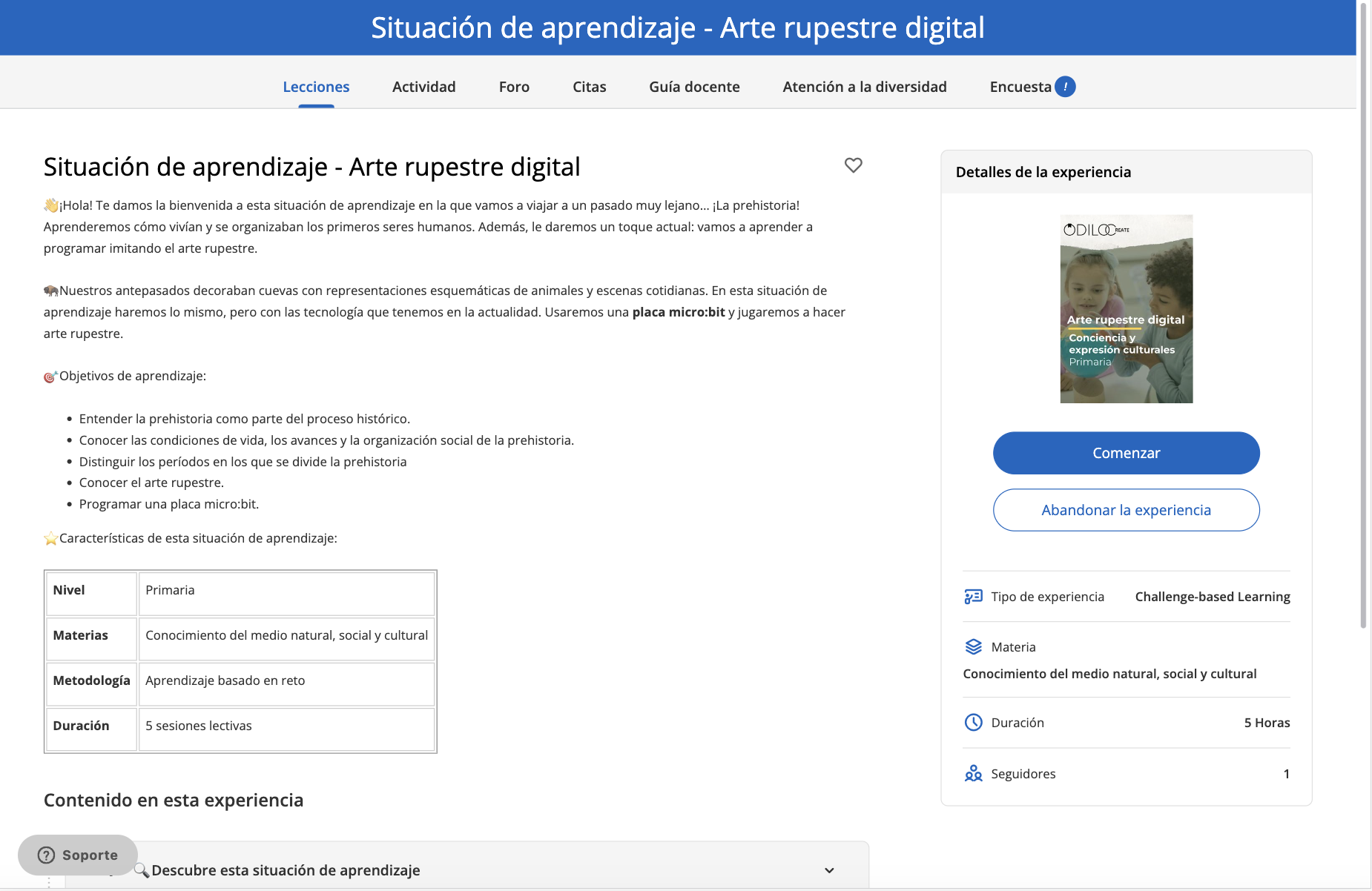
Experiences are organized by tabs located at the top and by modules and sections. You can navigate through them with a simple click.
To start completing the Experience, click “Start” and you will be able to progress in the areas of the panel on the left.
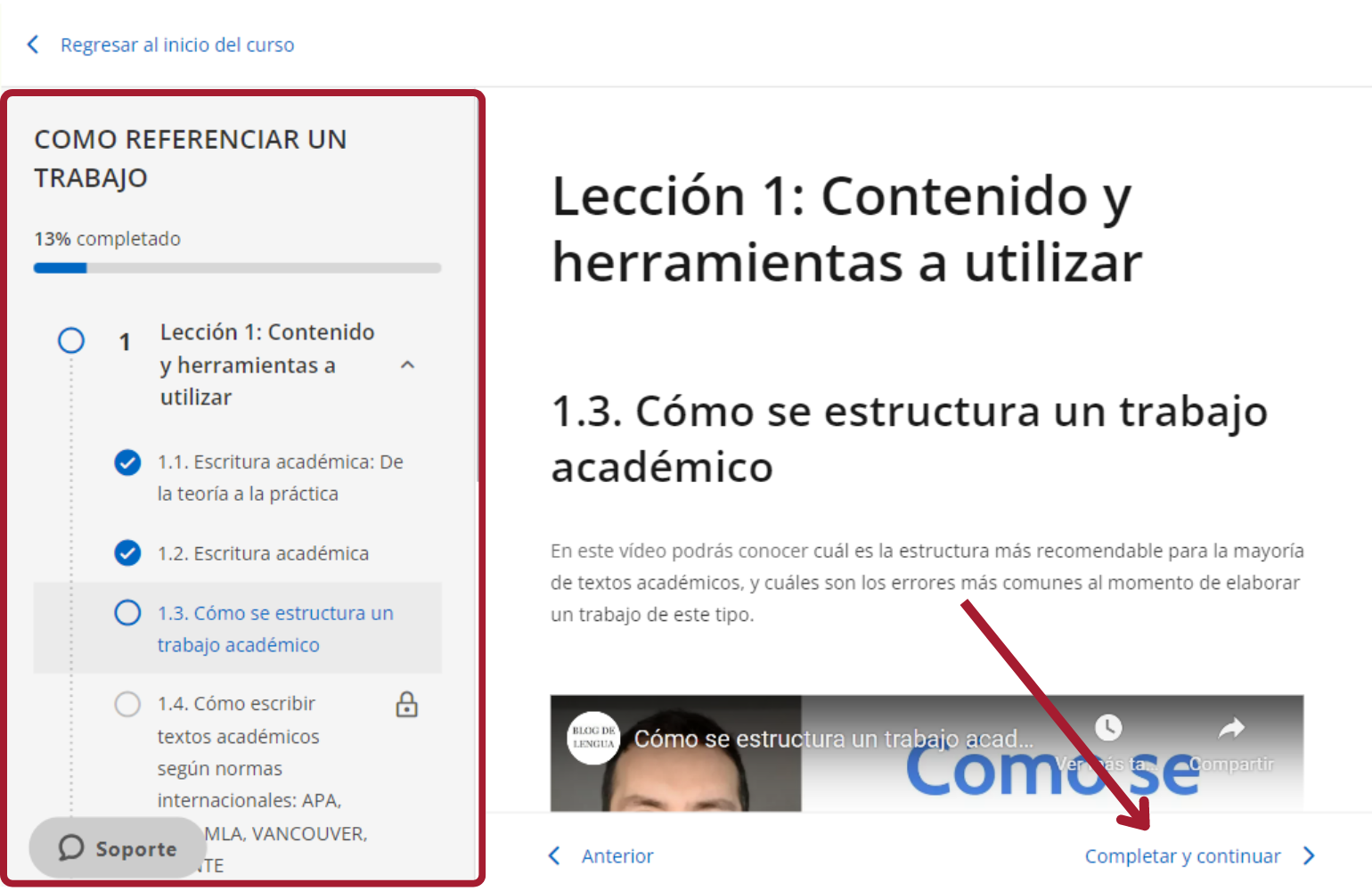
Once the section is completed, click on “Complete and Continue” to move on to the next section.
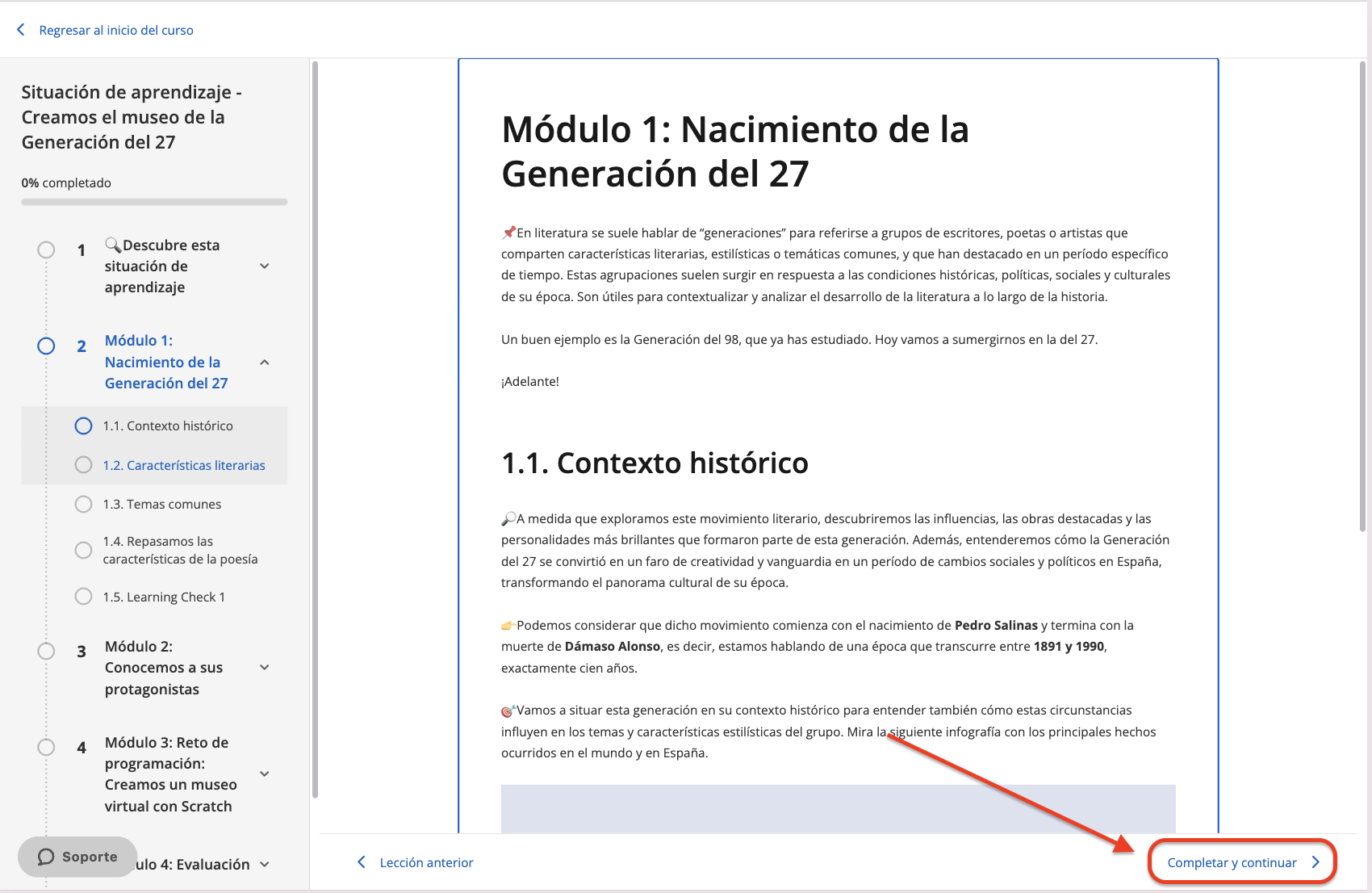
Within your Experience, you will find different resources such as: videos, interactive activities, content, among others.
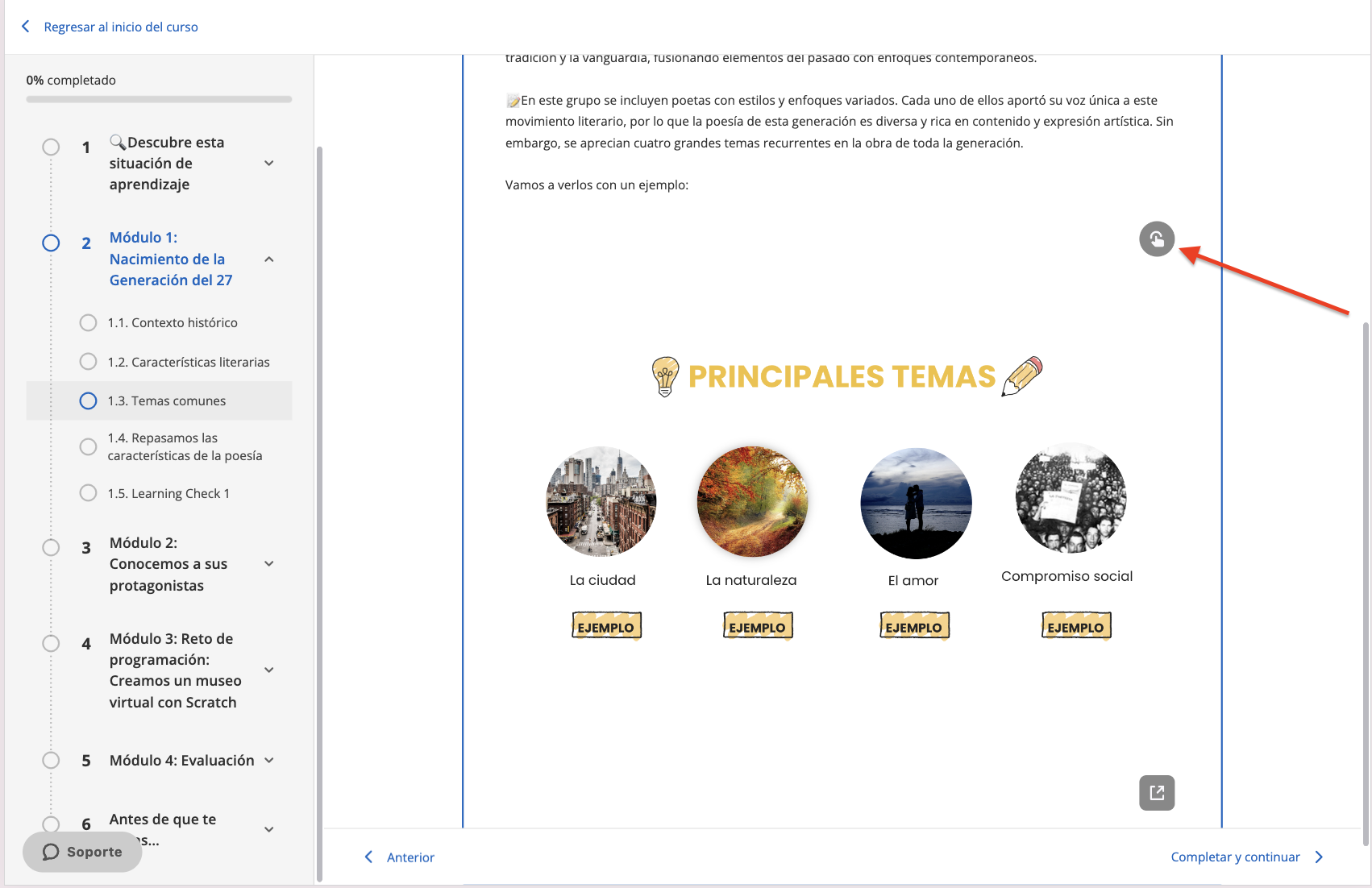
If you see this symbol  , it is an interactive multimedia activity, which you can access by clicking on its images or on-screen instructions.
NOTE: Please note that the activation of this functionality will depend on the service contracted by your institution
https://help.odilo.io/k12/experiencias-de-aprendizaje/navegar-una-experiencia-de-aprendizaje/
Comments
0 comments
Article is closed for comments.