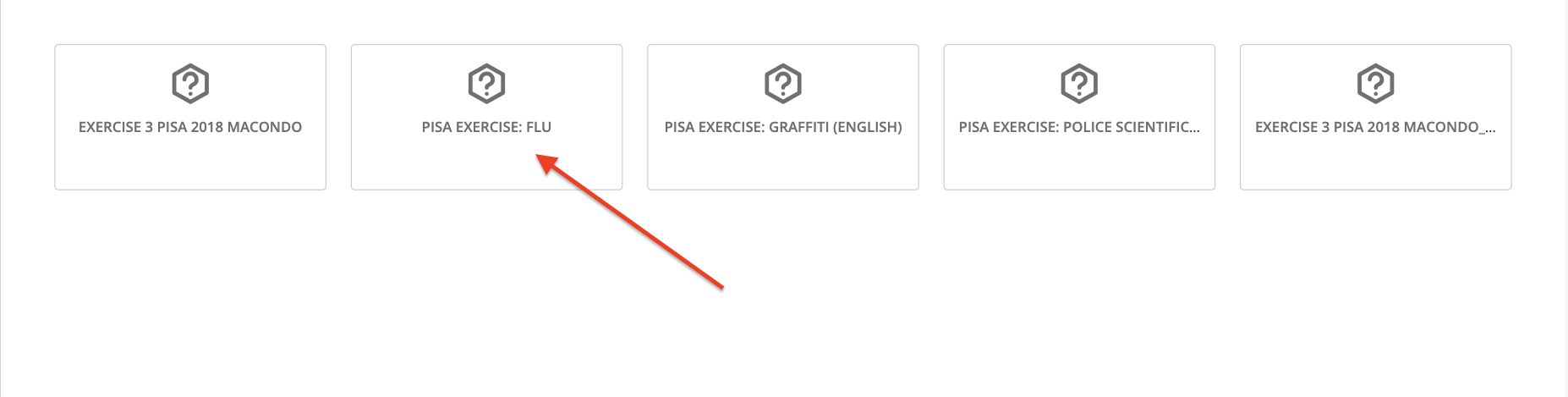
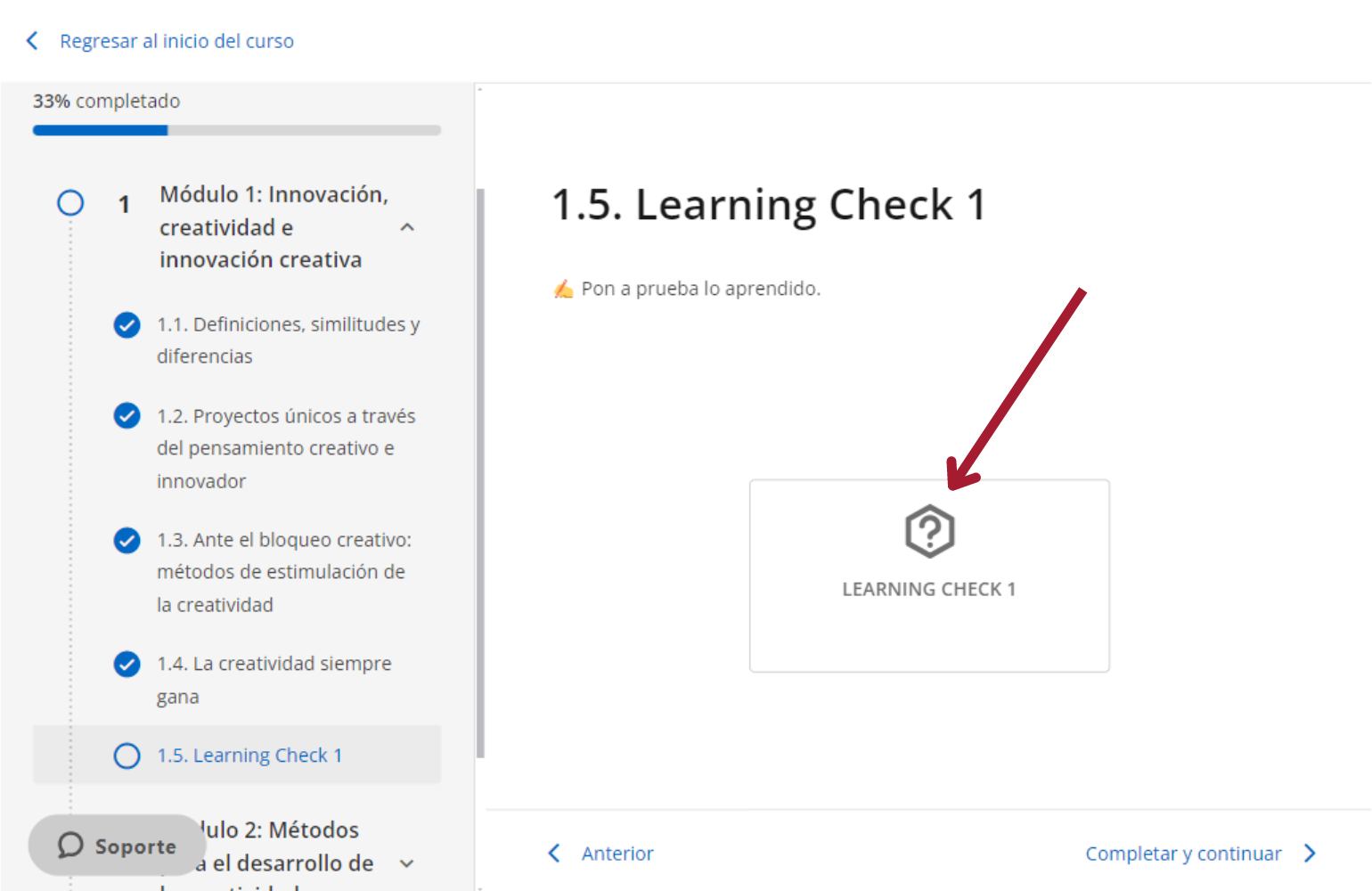
If your sections contain exercises, click on them and respond.
Important: Make sure to read the exercise information carefully before accessing and answering.
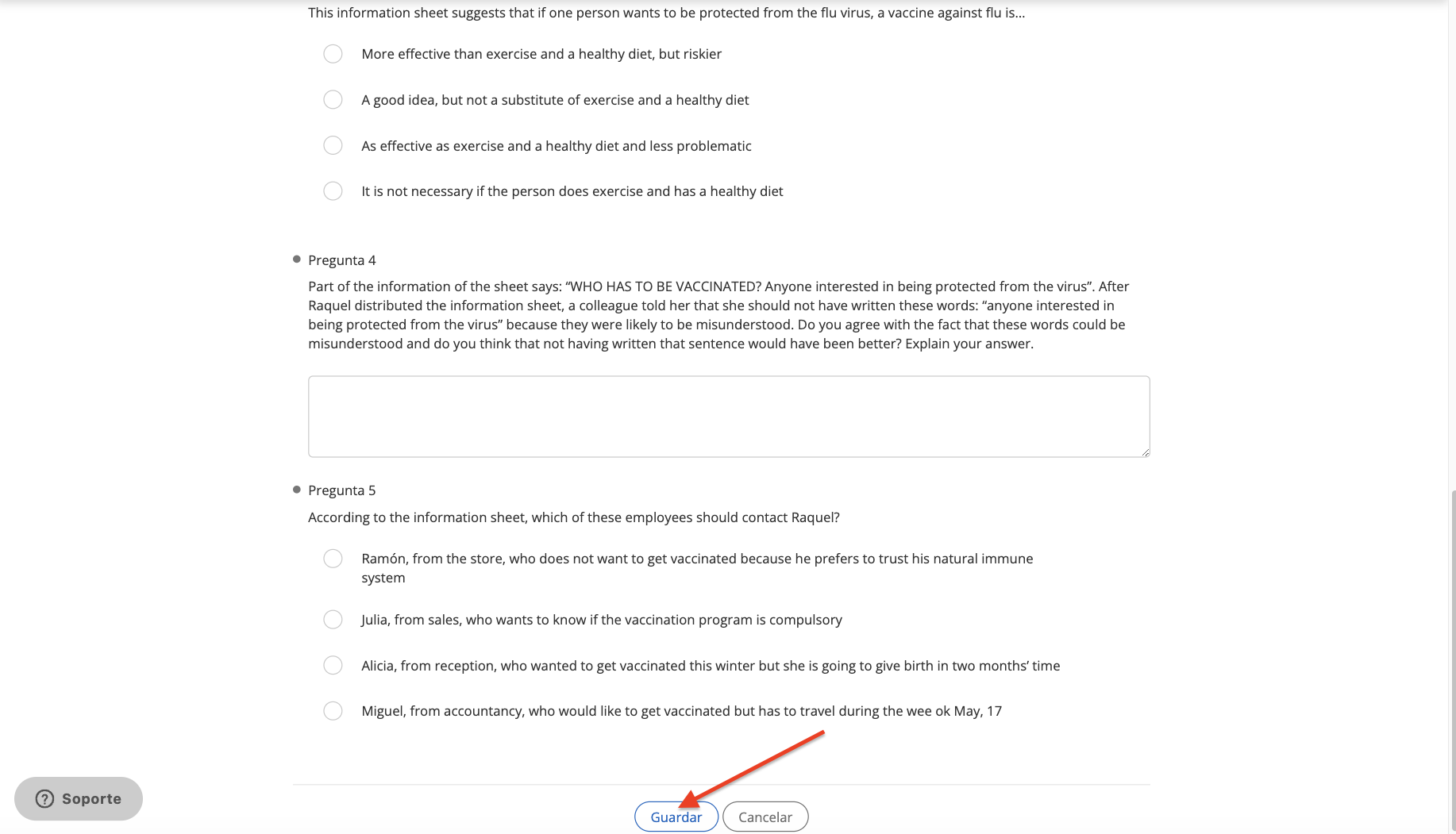
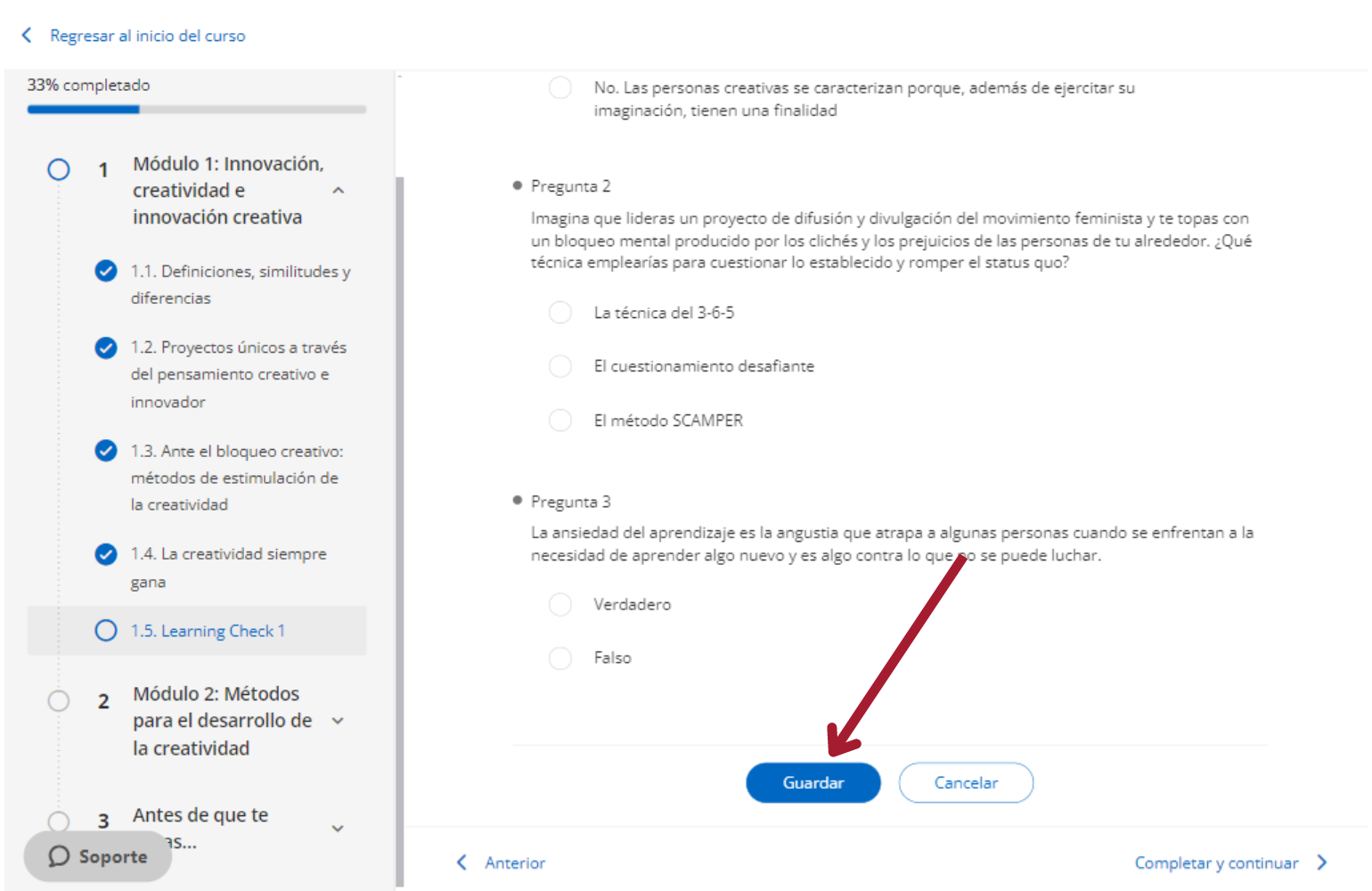
You must save your answers at the bottom.
If your exercise allows only 1 attempt, it will be marked as solved immediately and will close.

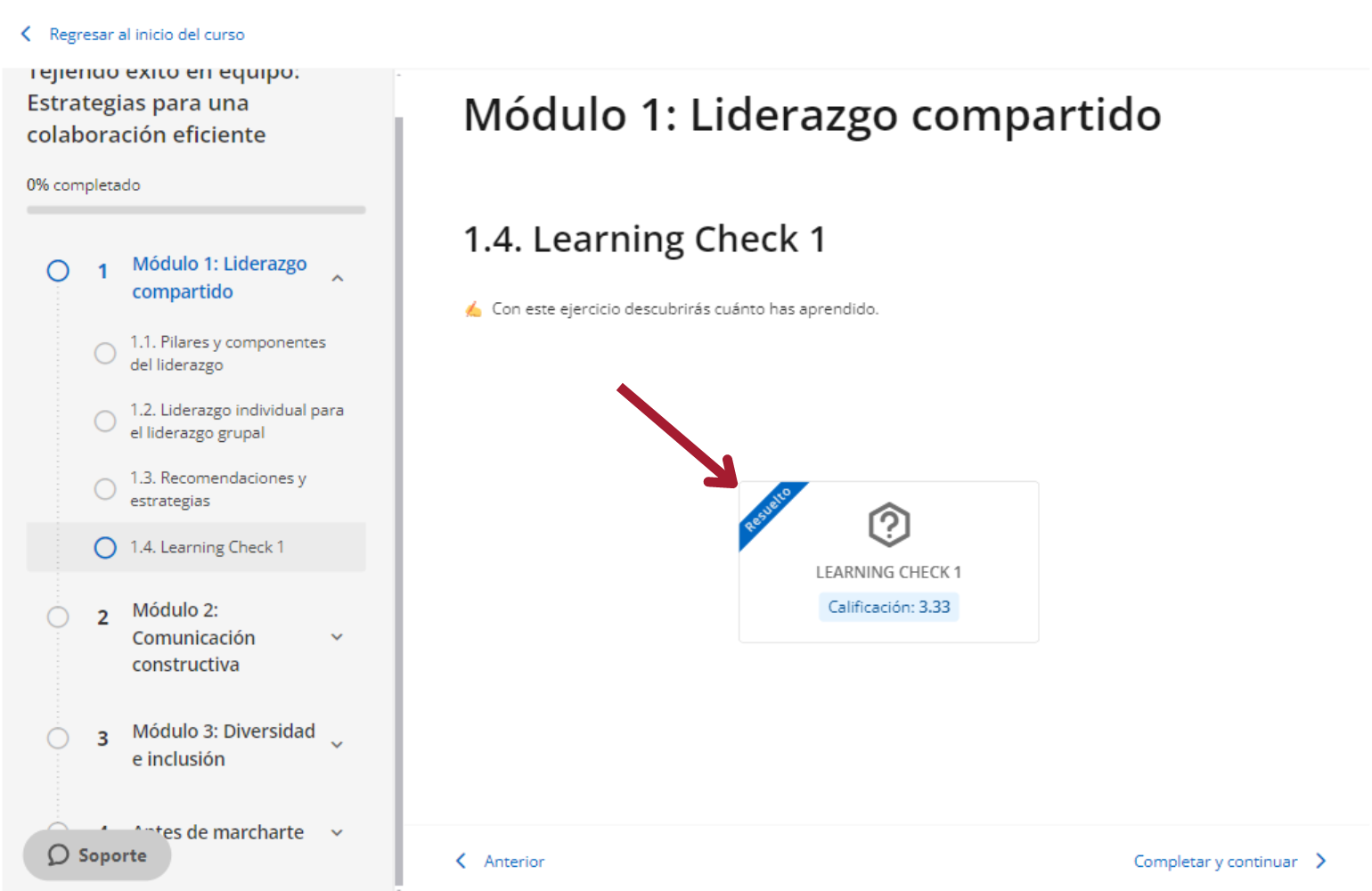
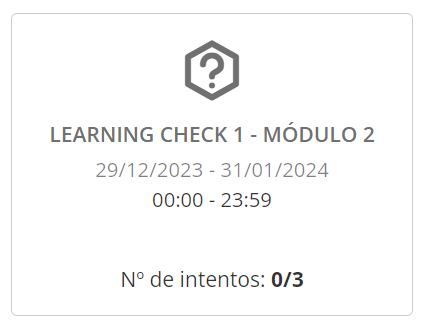
If the exercise allows more than 1 attempt, you will be able to view it at the beginning.

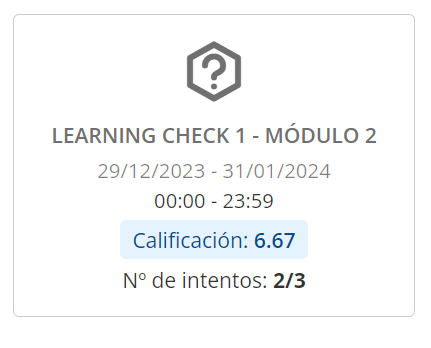
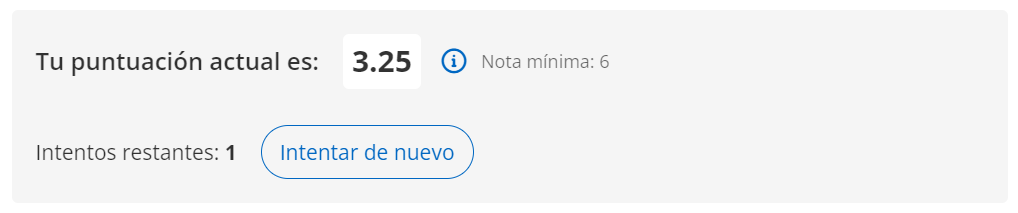
Once you have submitted your answers, you can check the score at the top. Click on “Try Again” to clear your answers and answer them again. Click on “Submit” to submit your exercise (once submitted, you will not be able to make changes).
Important: If the instructor has structured the exercise with a minimum score, you will not see the “Submit” button until you reach the expected minimum score; you must complete the exercise as many times as necessary.

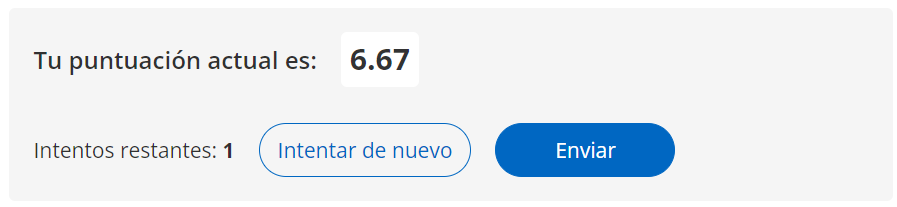
Exercises configured with more than one attempt may also have a minimum score. You must reach that score to be able to submit the exercise; otherwise, the “Submit” button will not be available.
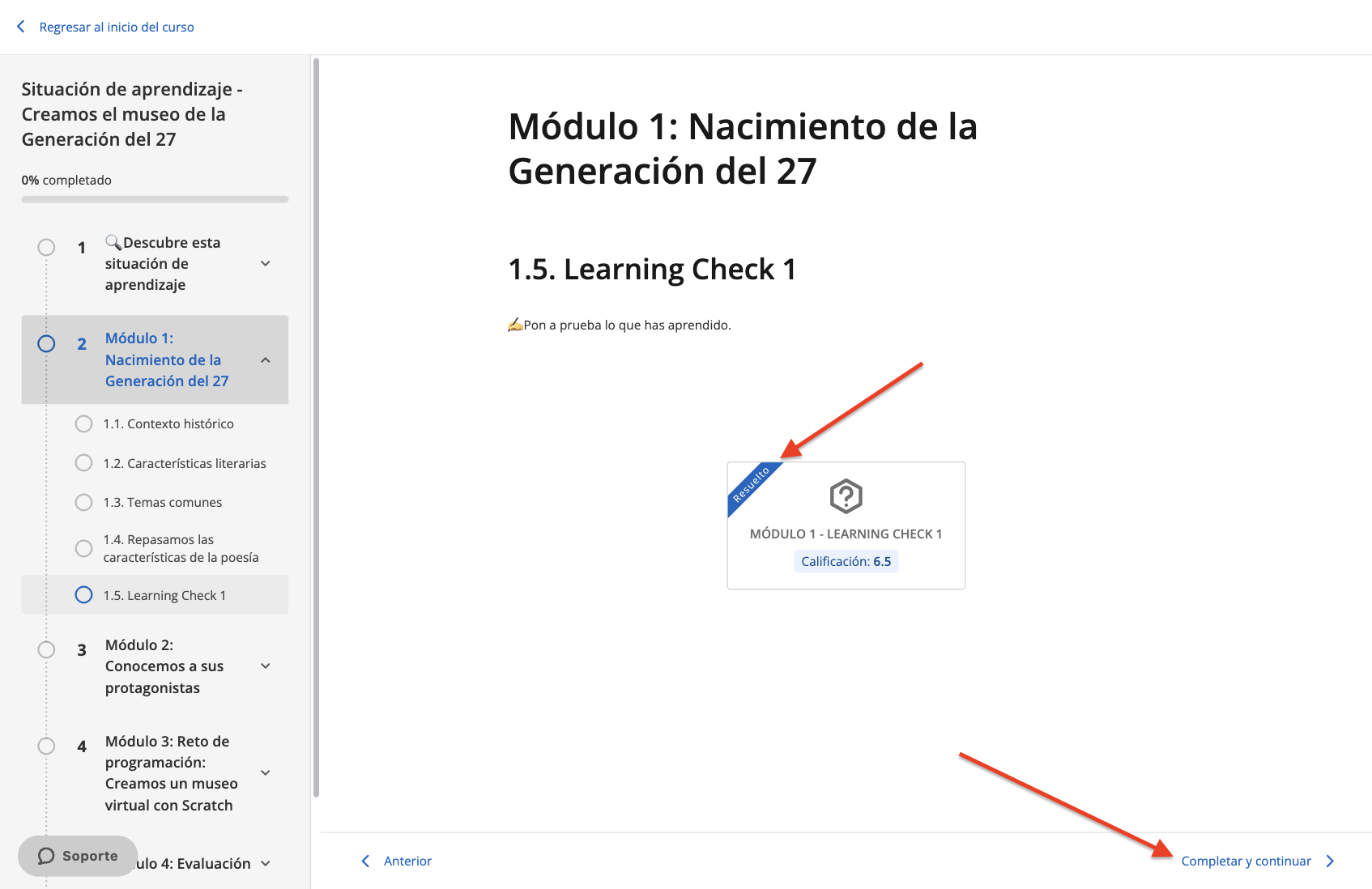
After submitting your exercise (marked as “Resolved”), click on “Complete and Continue” to proceed to the next section.
NOTE: Please note that the activation of this feature will depend on the service contracted by your institution
https://help.odilo.io/k12/learning-experiences/navigating-a-learning-experience/
Comments
0 comments
Article is closed for comments.